









Description
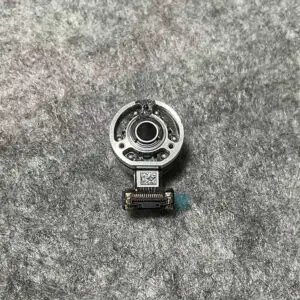
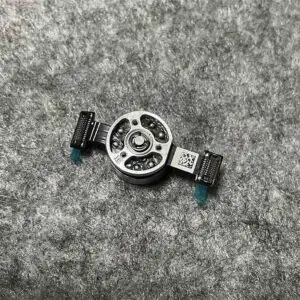
Gimbal Yaw/Roll/Pitch Motor for DJI Mini 3, Mini 3 Pro, Mini 4 Pro
Because Without These Motors, Your Camera Is Just a Shaky Tourist
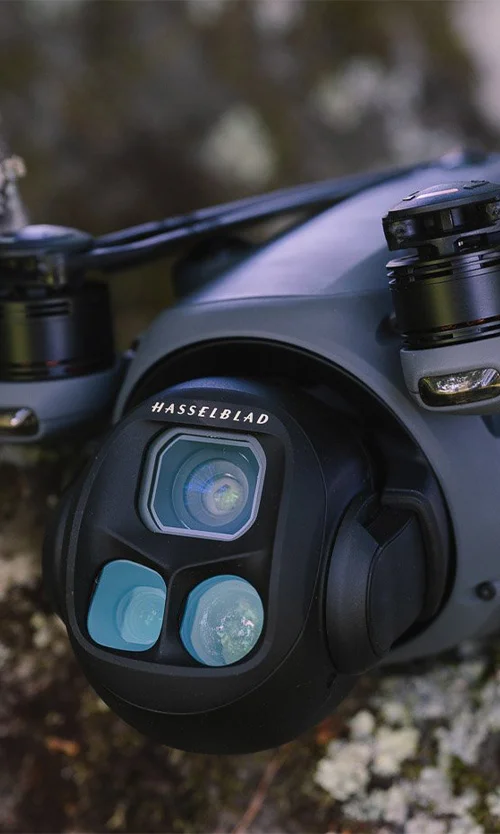
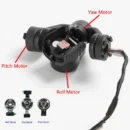
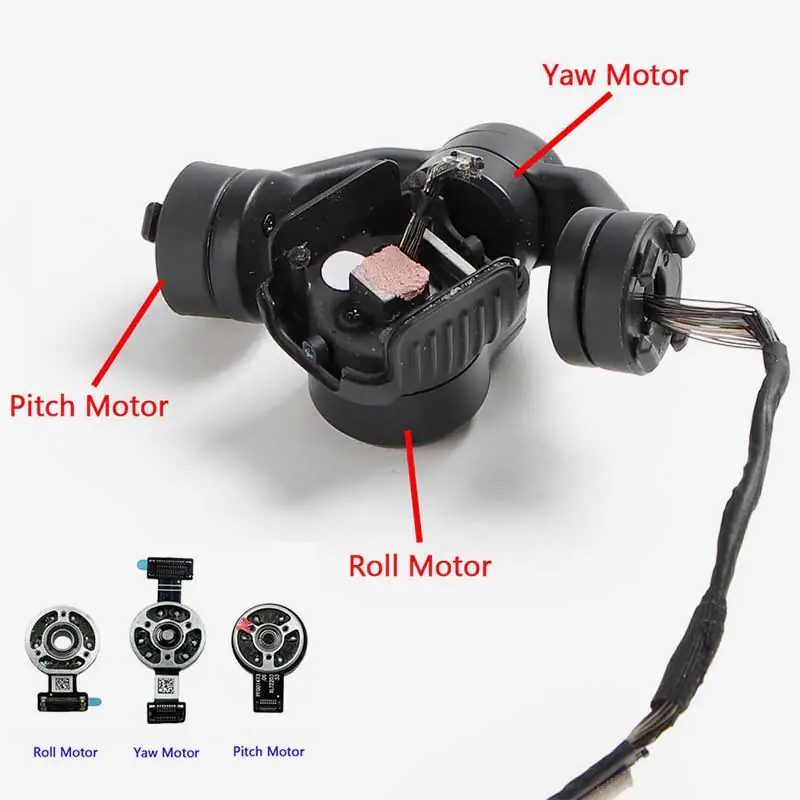
The Gimbal Y/R/P Axis Motor for DJI Mini 3 and Mini 4 Pro is the silent workhorse behind every buttery-smooth drone video you love. Standing for Yaw, Roll, and Pitch, these three tiny motors work together like an elite camera crew—keeping your footage stable, steady, and cinema-ready even when your drone is flying like it’s on a rollercoaster. Whether you’re fixing a wobbly camera or replacing a damaged motor after a rough landing, this part is the ultimate fix to bring back the precision your drone deserves.
Key Features
Original Yaw, Roll, and Pitch Motors – All Three Axes Covered
This replacement part includes the full gimbal motor set—Yaw (left-right), Roll (side tilt), and Pitch (up-down). Together, they control how your camera orients itself in 3D space, stabilizing every tiny movement so your footage doesn’t look like it was filmed in a hurricane.
Built Specifically for DJI Mini 3 and Mini 4 Pro
These motors are precisely engineered for the gimbal system in DJI Mini 3 and Mini 4 Pro drones, matching the size, voltage, and connector specifications exactly. No trimming, soldering, or ‘jugaad’ required—just a perfect fit that brings your drone back to factory-level performance.
Fixes Jittery Video, Gimbal Errors, and Unresponsive Movement
If your drone starts recording shaky footage, refusing to level the camera, or displaying “gimbal calibration failed” errors, it’s probably one of these tiny motors acting up. Replacing the faulty axis motor restores full stabilization and smooth camera tracking instantly.
Lightweight and Balanced for Gimbal Precision
Made with ultra-light materials and high-speed rotation cores, these motors are designed to work silently and efficiently without overloading the gimbal structure. Their fine balance ensures zero vibration and precise orientation control for smooth flight recordings every time.
Ideal for Crash Repairs or DIY Gimbal Rebuilds
Cracked gimbal after a rough landing? Gimbal won’t respond even after firmware updates? These motors are essential parts for restoring gimbal performance, especially if you’re repairing the system yourself or replacing damaged internal parts on a budget.
How to Use
-
Power Off Drone and Disconnect Battery Completely
-
Remove Gimbal Assembly from Drone Carefully
-
Identify the Damaged Motor – Yaw, Roll, or Pitch
-
Replace the Faulty Motor with This Original Unit
-
Reassemble, Calibrate, and Test in DJI Fly App
How to Clean
-
Use a Soft Brush to Dust Around Motor Areas
-
Avoid Water or Liquid Cleaners—Use Dry Methods Only
-
Keep Motor Shafts Free of Hair or Threads
-
Wipe Connector Pins Gently with a Lint-Free Cloth
-
Inspect Cable Loops Around Motors for Dust Accumulation
How to Take Care
-
Avoid Forcing the Gimbal by Hand During Transport
-
Always Use a Gimbal Protector While Not Flying
-
Update Firmware to Ensure Smooth Motor Calibration
-
Don’t Push Beyond Gimbal Angle Limits While Flying
-
Perform Regular Gimbal Calibration After Long Storage
Do’s & Don’ts
Do’s:
-
Match motor type (Y, R, or P) with correct mounting slot
-
Handle with anti-static tools and clean fingers
-
Use original DJI screws and connectors for secure installation
Don’ts:
-
Don’t apply voltage directly to test the motor
-
Don’t reuse damaged or overheated motors
-
Don’t operate without checking axis balance after installation
Safety Tips
-
Handle the Tiny Wires with Care – They’re Delicate
-
Use Anti-Static Gloves or Wristbands During Installation
-
Don’t Power On Drone Without Securing Gimbal First
-
Keep Away from Magnets or Magnetic Tools
-
Test Gimbal Rotation Smoothly Before First Flight
Final Take
The Gimbal Y/R/P Axis Motor for DJI Mini 3 / Mini 4 Pro is a must-have part when your drone starts throwing gimbal tantrums. Whether you’re fixing one motor or rebuilding the whole stabilizer system, these tiny champions bring your camera back to buttery-smooth glory.
Order now and give your drone back its cinematic moves—because nobody wants shaky footage unless you’re filming an earthquake.