



Description
A Tiny Cap That Acts Like a Bodyguard for Your Drone’s Most Expensive Eye
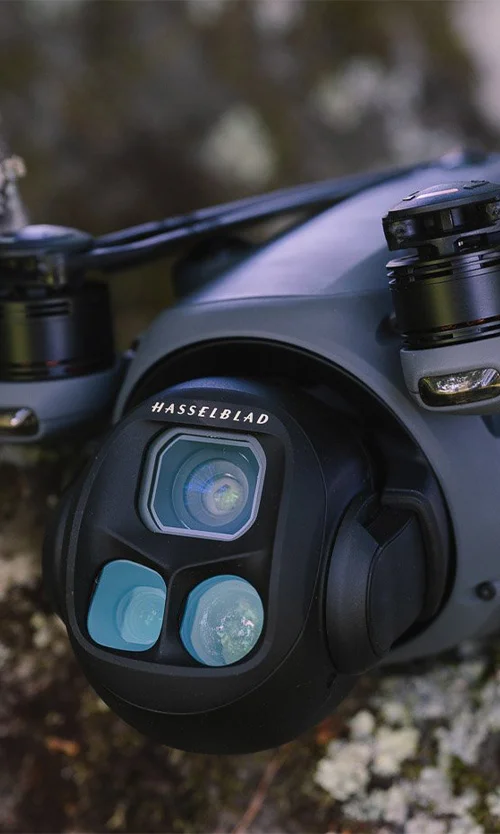
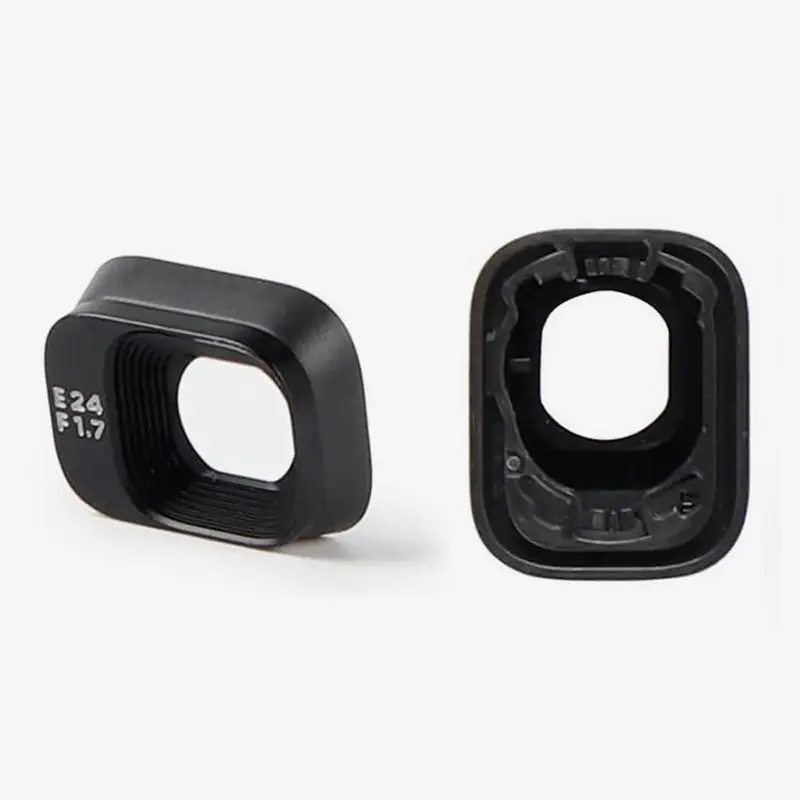
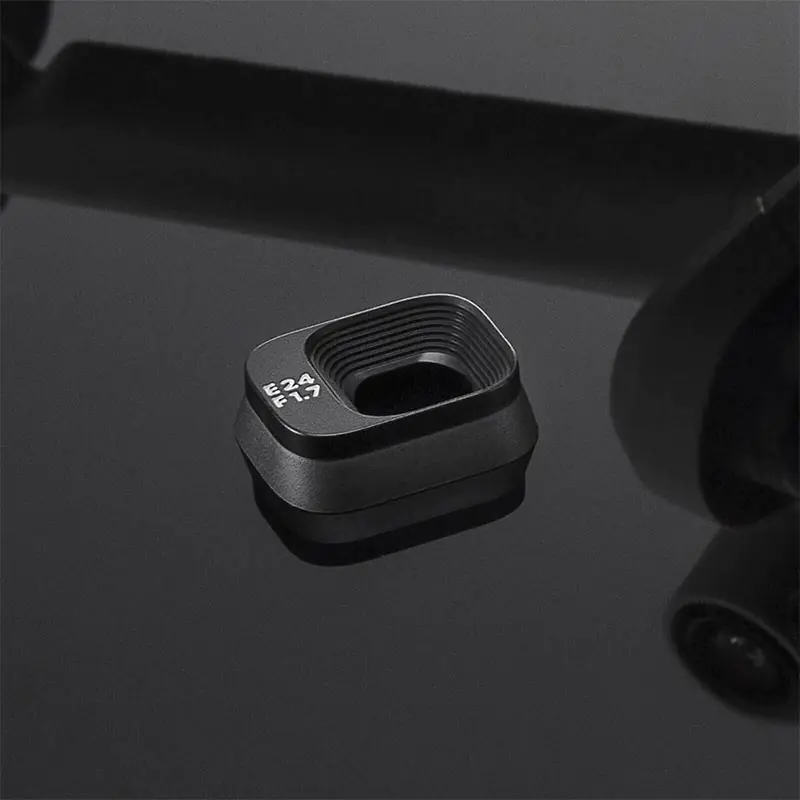
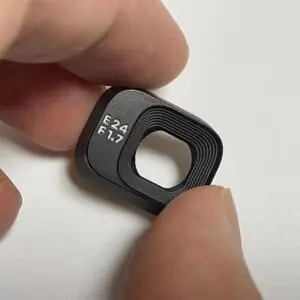
Your drone may fly like a bird, but its camera is more fragile than a soap bubble. The Camera Lens Cover for DJI Mini 3 / Mini 3 Pro is a must-have accessory that protects the delicate gimbal camera system from scratches, dust, finger smudges, and storage damage. Whether you’re a weekend flyer or a full-time drone creator, this cover makes sure your lens stays spotless, sharp, and ready to shoot. It’s small, it’s simple, and it’s smarter than flying without it.
Key Features
Custom-Fit for Mini 3 and Mini 3 Pro Gimbal Lens
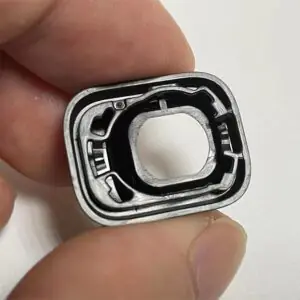
This lens cover is precisely molded to fit the unique camera design of the DJI Mini 3 and Mini 3 Pro. It aligns seamlessly around the lens without interfering with the gimbal’s shape or sensors. No wiggling, no gaps—just a perfect fit that stays put.
Shields Lens from Dust, Scratches, and Accidental Touches
From pocket lint to dirt in your backpack, there’s always something trying to ruin your clean lens. This cover forms a protective barrier that prevents physical contact with the lens surface, keeping your shots clean and your footage professional, every time.
Lightweight, Durable, and Practically Invisible
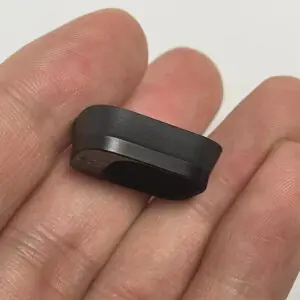
Made from ultra-lightweight, high-strength plastic, this cover does its job without weighing your drone down or affecting its balance. It’s tough enough to handle daily use and travel bumps, yet light enough that you won’t even notice it’s on—until it saves your lens.
Fast Snap-On, Snap-Off Attachment
No tools, no twisting, no weird instructions. The cover is easy to install and remove with a simple push or pull, clicking into place securely without damaging the lens. You’ll spend more time flying and less time fiddling with accessories.
Safe for Storage, Travel, and Ground Time
Whether your drone is in a drawer, a hard case, or just sitting on your desk, this lens cover ensures your gimbal isn’t collecting dust or getting dinged by keys, cables, or mystery crumbs. It keeps your lens clean and safe during non-flight hours.
How to Use
-
Hold the Drone Gimbal Still in One Hand
-
Align the Cover with the Front of the Camera
-
Gently Press Until You Hear a Soft Click
-
To Remove, Pull It Straight Out Without Twisting
-
Store It in Your Drone Case for the Next Use
How to Clean
-
Wipe with a Microfiber Cloth Before and After Use
-
Use Blower to Remove Dust from Inside
-
Avoid Sprays or Liquids That May Leave Residue
-
Keep Away from Sticky Surfaces or Fabrics
-
Inspect Weekly for Tiny Scratches or Cracks
How to Take Care
-
Don’t Store It Loose in a Bag—Use a Case
-
Avoid Exposing It to Direct Heat or Sunlight
-
Check Fit Before Each Flight to Avoid Mid-Air Loss
-
Replace If It Feels Loose or Starts Cracking
-
Keep Out of Reach of Kids or Pets (It’s Tiny!)
Do’s & Don’ts
Do’s:
-
Always use it after landing and before packing
-
Clean it before placing it on a clean lens
-
Match the orientation of the gimbal before attaching
Don’ts:
-
Don’t fly with the cover still on
-
Don’t force it upside down—it won’t fit
-
Don’t ignore if it stops fitting tightly—it may be warped
Safety Tips
-
Only Install or Remove When Drone Is Powered Off
-
Never Press Hard Against the Gimbal During Placement
-
Keep It in a Soft Pouch If You’re Not Using a Drone Case
-
Remove Before Activating the DJI Fly App or Flight System
-
Test Gimbal Movement After Removal to Ensure Free Rotation
Final Take
The Camera Lens Cover for DJI Mini 3 / Mini 3 Pro might be a small accessory, but it delivers big-time protection. It keeps your footage clean, your lens safe, and your gimbal stress-free while resting. Whether you’re traveling across states or just heading to your backyard for a quick shoot, this tiny cap is your drone’s first defense against damage.
Order now and give your drone the lens protection it deserves—because one scratch on the camera is one regret too many.