



Description
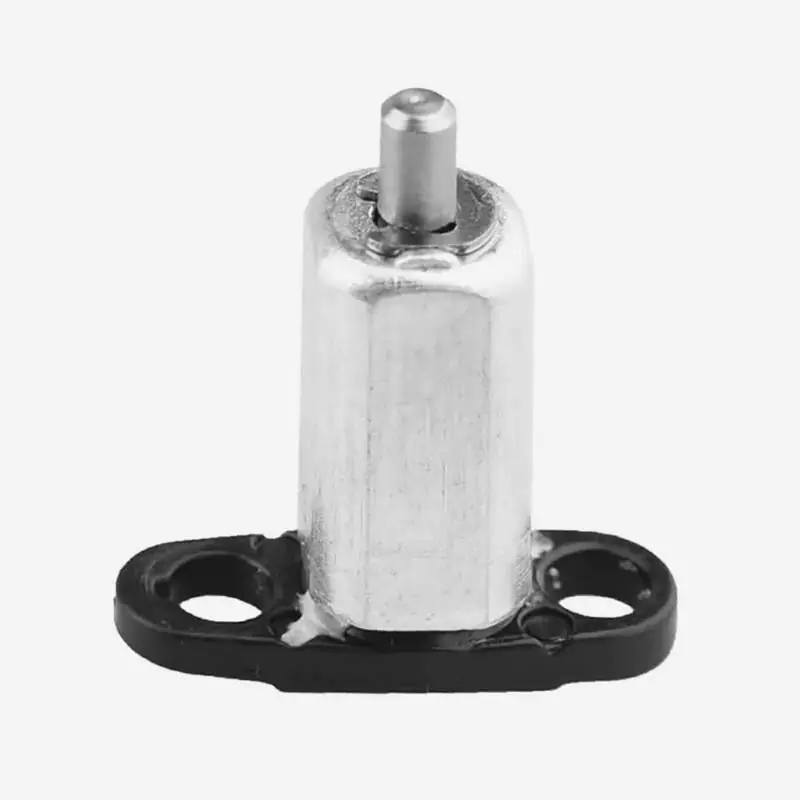
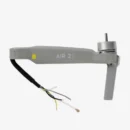
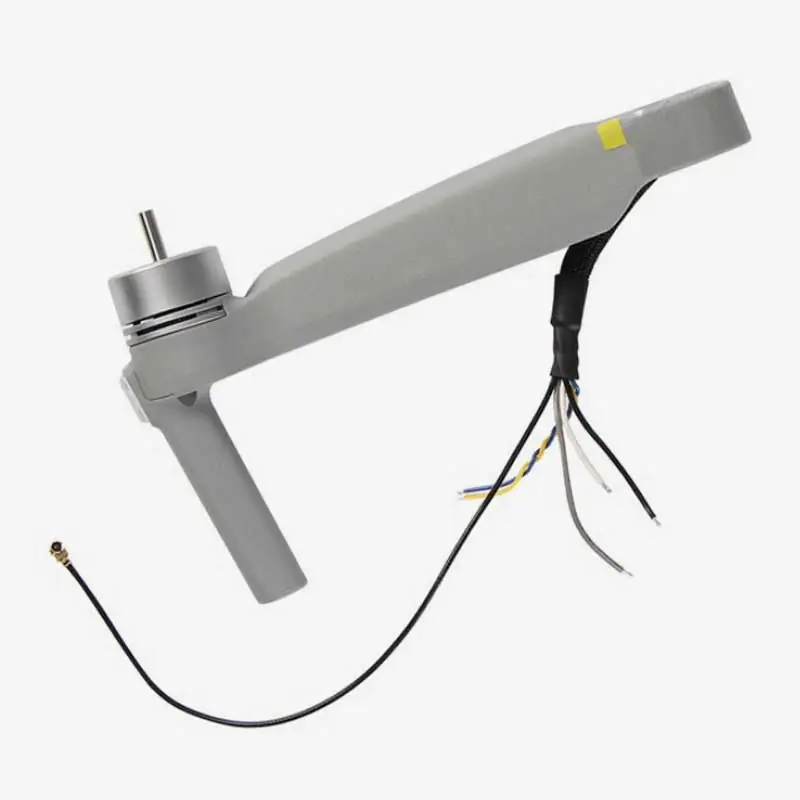
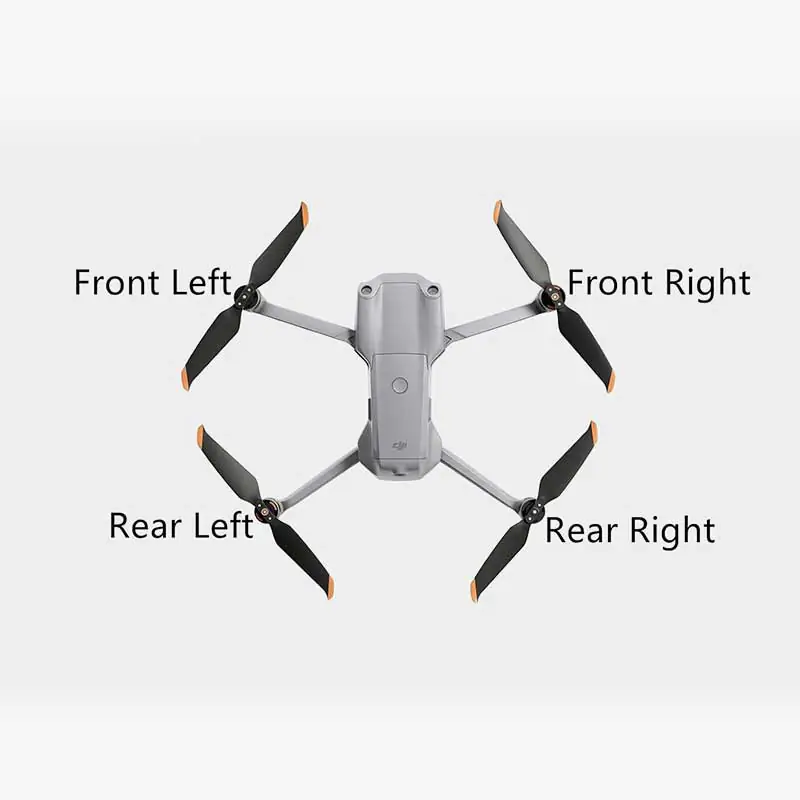
DJI Air 2S Front Right Arm with Motor
Drone had a mid-air collision with a tree, a wall, or maybe even your neighbor’s kite? Don’t worry, your aircraft still has a chance. The DJI Air 2S Front Right Arm with Motor is the perfect replacement part to get your drone flying like it just rolled out of the box. This is an original DJI component that restores your drone’s symmetry, balance, and motor performance. If your Air 2S is limping through the sky or refusing to lift off, this is your go-to solution to fix it up and take off again—minus the drama.
Key features of DJI Air 2S Front Right Arm With Motor
1. Genuine DJI Replacement Part
This is not your average spare part. It’s a 100% original DJI-manufactured front right arm with motor, crafted with the same engineering precision and quality assurance as the one that came pre-installed in your drone. It fits like a glove, performs like new, and doesn’t give your flight controller any reason to complain. With official DJI parts, you avoid compatibility issues, performance glitches, and the dreaded “random mid-air shutdown” problem that cheap copies often bring along.
2. Pre-installed Brushless Motor
You don’t need to channel your inner electrician or binge-watch soldering tutorials on YouTube. This replacement arm comes with a factory-installed DJI brushless motor—pre-fitted, pre-tested, and ready for action. That means you’re not stuck with aligning motor shafts, connecting power lines, or guessing which wire goes where. Just install the arm, plug it in, and let the motor hum its way back into the sky. DJI did the hard work so you don’t have to.
3. Durable & Lightweight Construction
Tough on the outside, light on the scales—that’s the DJI philosophy. This arm is made from a smart blend of composite materials and aircraft-grade aluminum, giving it the strength to handle turbulence, minor crashes, and the occasional bird attack (we’ve all been there). But while it’s sturdy, it’s also feather-light, keeping your drone agile, responsive, and balanced in flight. It’s the kind of build that laughs in the face of strong winds but doesn’t tip your drone over during hover.
4. Precision Fit for DJI Air 2S
The phrase “fits like a charm” truly applies here. This arm is tailor-made for the DJI Air 2S, so it slots into your drone’s body without any modifications, drilling, trimming, or duct tape adventures. The mounting holes, motor alignment, and wire connections are all in exactly the right place. No guesswork, no errors—just a smooth install that gets you back in the air in no time. Think of it as the orthopedic right arm your drone deserves after a rough patch.
5. Ideal for Crash Repairs & Regular Maintenance
Accidents happen—props break, motors burn out, arms get bent like a pretzel. That doesn’t mean your drone is ready for retirement. This replacement part is perfect for repairing crash damage, fixing motor issues, or performing preventive maintenance. Whether you’re a professional pilot or a weekend flyer, keeping a spare arm like this in your kit means you’re always ready for the unexpected. After all, the only thing worse than a crash is not being able to fly the next day.
How to Clean the Front Right Arm with Motor
Remove the Loose Dust First – Begin with a soft brush or a puff of air to sweep away dust from the arm and motor area. A clean start prevents scratches while wiping.
Use a Microfiber Cloth – Gently clean the plastic body and metal joints of the arm using a microfiber cloth slightly damp with alcohol. This removes grime without damaging the surface.
Target the Motor Base – Use a cotton swab to clean around the base of the motor and between the small vents. These tight areas love collecting dirt that can affect cooling.
Spin and Blow – Slowly rotate the motor by hand and listen for resistance. If anything feels stuck, give it a burst of compressed air to clear away hidden particles.
Let It Fully Dry – Never rush into flying. After cleaning, give the motor and arm a few minutes to dry out completely before powering up your drone.
How to Take Care of the Front Right Arm with Motor
Avoid Crash Landings – A rough landing is the fastest way to ruin your motor arm. Always fly with care, and practice slow, soft landings to protect the arm and motor.
Store It Like Gold – Use a proper drone case with foam padding. Tossing it in a backpack without protection can bend or stress the motor arm.
Inspect Before Every Flight – Before takeoff, always check the arm for cracks, and make sure the motor is tightly fixed. A small crack can turn into a big problem mid-air.
Keep Motor Area Clear – Watch out for threads, leaves, or hairs getting stuck near the motor. These can block movement and heat things up unnecessarily.
Stick with DJI Originals – Always replace arms and motors with official DJI parts. Cheap copies might save a few bucks, but can cost a whole drone in the air.
Do’s & Don’ts
Do’s
Clean the motor and arm regularly to prevent buildup
Inspect the mounting screws and arm alignment before flying
Handle with clean hands to avoid adding oils or grime
Use proper tools and go slow during installation
Gently spin the motor by hand to check smoothness
Don’ts
Don’t submerge the arm or motor in water
Don’t force the motor to spin with pressure
Don’t ignore signs like weird noises or vibrations
Don’t use aggressive cleaning chemicals
Don’t fly with a damaged, bent, or wobbly arm
Safety Tips
Power Off Always – Never touch or install the motor while the battery is connected. Motors can start unexpectedly and cause injury.
Check Alignment After Installation – After replacing the arm, make sure it’s aligned properly. Misalignment can mess with flight balance and drone stability.
Apply Light Threadlocker – Use a small drop of blue threadlocker on screws to prevent them from loosening due to motor vibration.
Inspect After Bumps – If you’ve had a crash, even a small one, closely inspect the motor and arm for damage. Invisible cracks are future flight risks.
Test Before the Next Flight – After cleaning or replacing the part, run a short power-up test. Listen for smooth motor sound and check that everything’s steady.
Why Choose This Part?
Using original DJI components is like eating fresh food instead of frozen mystery meat—it just works better. This replacement arm gives you the peace of mind that your drone will fly safely, efficiently, and without error messages. Avoiding cheap third-party parts also means you won’t void your warranty or risk burning out your flight controller. It’s a small investment that protects your much bigger investment—the drone itself.
Final Takeoff
Don’t let one broken arm keep your drone grounded. The DJI Air 2S Front Right Arm with Motor gives your aircraft the strength, speed, and balance it needs to get back in the air with confidence. With original parts, professional-grade construction, and plug-and-play convenience, it’s the ultimate fix for your flight problems.
Ready to repair and relaunch? Order now and get your DJI Air 2S flying strong, steady, and stylish again!